Overview of the Dell Inspiron 15 3511
The Dell Inspiron 15 3511 is a simple set of products developed by Dell in the financial plan portion, the really modest portable PCs that make up its range of 15.6-inch scratch pad including types from the Insprion 3000 line donning overall specs. Meant for everyday life — school, work, browsing streaming and light multitasking without pretending to be anything more.
Having a clean plastic chassis available in black or silver, it sits at around 1.73 kg. The new design is thinner and a little lighter than its predecessor so should feel slightly more portable than older budget 15-inchers. There are configurations as low as basic Intel processors to up to 11th gen Core i5 and i7 chips inside, not mention upgradeable RAM and solid-state storage. As long as you opt for a model with sufficient memory and an SSD, most configurations can run Windows 11 and tackle routine everyday duties without issue.
Key Specifications Table
| Category | Details |
|---|---|
| Model | Inspiron 15 3511 (Regulatory Model: P112F) |
| Release Year | 2021 |
| Dimensions | 358.50 × 235.56 × 17.50–18.99 mm (14.11 × 9.27 × 0.68–0.75 in) |
| Weight | Starting at 1.73 kg (3.82 lb) – varies by configuration |
| Chassis | Plastic (Carbon Black or Silver) |
| Processor Options | Intel Celeron 6305 Intel Pentium Gold 7505 10th Gen: Core i3-1005G1 / i5-1035G1 11th Gen: Core i3-1115G4 / i3-1125G4 / i5-1135G7 / i7-1165G7 (All 15W) |
| Graphics | Integrated: Intel UHD Graphics or Intel Iris Xe Graphics Optional Discrete: NVIDIA GeForce MX350 (2 GB GDDR5) |
| Memory | Type: DDR4 Slots: 2 × SODIMM Speed: 2666 MHz (iGPU) / 3200 MHz (dGPU) Maximum: 16 GB |
| Storage | M.2 PCIe NVMe SSD (128 GB / 256 GB / 512 GB / 1 TB) Optional 2.5-inch SATA HDD (up to 2 TB) Supports dual-drive setup |
| Display Options | 15.6″ HD (1366×768) TN, Anti-Glare, 220 nits, 60 Hz, Non-Touch 15.6″ FHD (1920×1080) WVA, Anti-Glare, 220 nits, 60 Hz, Non-Touch 15.6″ FHD (1920×1080) WVA, Anti-Glare, 220 nits, 60 Hz, Touch |
| Color Gamut | ~45% NTSC |
| Battery | 3-cell 41 Wh Lithium-Polymer (standard) Optional 4-cell 54 Wh Lithium-Polymer (54 Wh version does not support 2.5″ HDD) |
| Power Adapter | 65 W |
| Ports (Integrated GPU) | 1 × USB 2.0 2 × USB 3.2 Gen 1 (Type-A) 1 × HDMI 1.4 (max 1080p @ 60 Hz) 1 × SD card reader 1 × 3.5 mm headphone/mic combo jack |
| Ports (Discrete GPU) | 1 × USB 2.0 1 × USB 3.2 Gen 1 (Type-A) 1 × USB 3.2 Gen 1 Type-C 1 × HDMI 1.4 1 × SD card reader 1 × 3.5 mm combo jack |
| Wireless | Wi-Fi 5 (802.11ac) or Wi-Fi 6 (802.11ax) Bluetooth 5.0 / 5.1 |
| Webcam | HD 720p @ 30 fps with single microphone |
| Speakers | Stereo speakers (2 × 2 W = 4 W total) |
| Keyboard | Full-size chiclet with numeric keypad Backlit: Optional |
| Touchpad | Precision touchpad |
| Fingerprint Reader | Optional |
| Operating System | Windows 11 Home / Pro Windows 10 Home / Pro Ubuntu 20.04 LTS |
Display and Design
This particular laptop comes with an LED Backlight 15.6 inch FHD screen with a maximum resolution of 1920 x 1080 pixels. The display is coated for non-glare and has LED backlighting; this means that when working in areas that are especially brightly lit, or near windows, the reflections are kept to a minimum. It also has thinner bezels that give a better screen-to-body ratio, making the images that pop up look bigger, and give a more stylish feel.
Build and Aesthetics
The finish of the Inspiron 15 3511 in Carbon Black makes the notebook look rather business like and sleek. Despite being built almost exclusively of plastic, its design is solid and quite resistant, suitable for daily use. I weighed it at about 3.91 lbs (1.77 Kgs) meaning that it is portable to a level of an ultrabook but it was a wee bit heavier than an ultrabook.
Performance
erformance on the Dell Inspiron 15 3511 is powered by the Intel 11th Generation processors. The laptops can be configured to have an Intel Core i3, i5 or i7 processor depending on the users’ usage level and wallet.
Intel Core i3-1115G4: Adequate for simple use including surfing the web, streaming video and music, and creating word documents. It can be used by casual user or student level, those who occasionally compute their matrices..
Intel Core i5-1135G7: Provides a reference level of power and performance for an array of general usage, editing photographs online and other less graphics software.
Intel Core i7-1165G7: Offered the highest benchmark score in this series, it can easily handle multitasking and moderate levels of creative work making it suitable for power user.
Graphics
Intel UHD Graphics: This integrated graphics option is for the Core i3 models when the option of separate graphics card is not required for visual work and common use.
Intel Iris Xe Graphics: With Iris Xe Graphics, on Core i5 and i7 platforms, streaming, light gaming, as well as other graphical applications, such as photo processing are enhanced.
Memory and Storage
The Inspiron 15 3511 offers a variety of RAM and storage options to meet different needs:
RAM: That is, it comes with up to 8GB or 16GB DRAM of the fourth generation, which is the DDR4 RAM. Normal users will be able to go for 8GB while those into gaming and other application with large memory requirements should opt for 16GB.
Storage: Accomodations are available in the form of a 256GB or 512GB SSD to help with boot and loading time The company also prepares a massive 1TB HDD as an optional extra.
SSD storage along with reasonable RAM makes this model highly reactiveness, short start-up and application launch time improving productivity.
Battery Life and Charging
Dell Inspiron 15 3511 is integrated with a 3-Cell, 41 WH battery, the battery can be utilized up to 6-8 hours on the basis of the performance. However, for general usage including simple jobs, normal working or studying times, this seems enough; it may need charging in a shorter amount of time if used heavily, for instance for streaming, high brightness conditions, and multitasking.
Keyboard and Touchpad
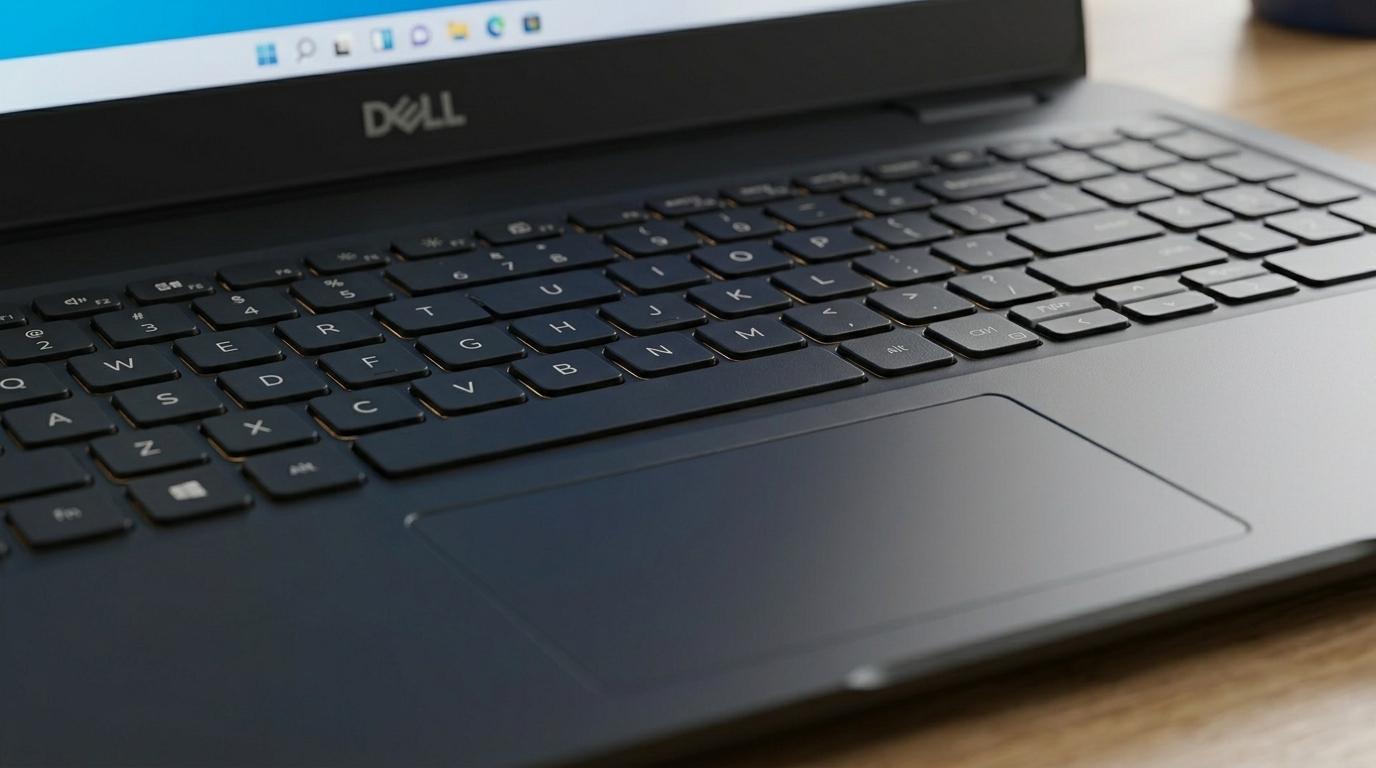
The typography of the Inspiron 15 3511 is comprised of full-size keys that has adequate key travel important for typing any length of time. It also features a numeric keypad which is more advisable for people who are in a one way from the keyboard, dealing with numbers or data entry operators.
It has a large touchpad that is very sensitive, and anyone can swipe, flick, tap or rotate by using fingers like on either smartphones or tablets. This makes navigation and control to be easy and effective for first time users as well as the advanced users.
Connectivity Options
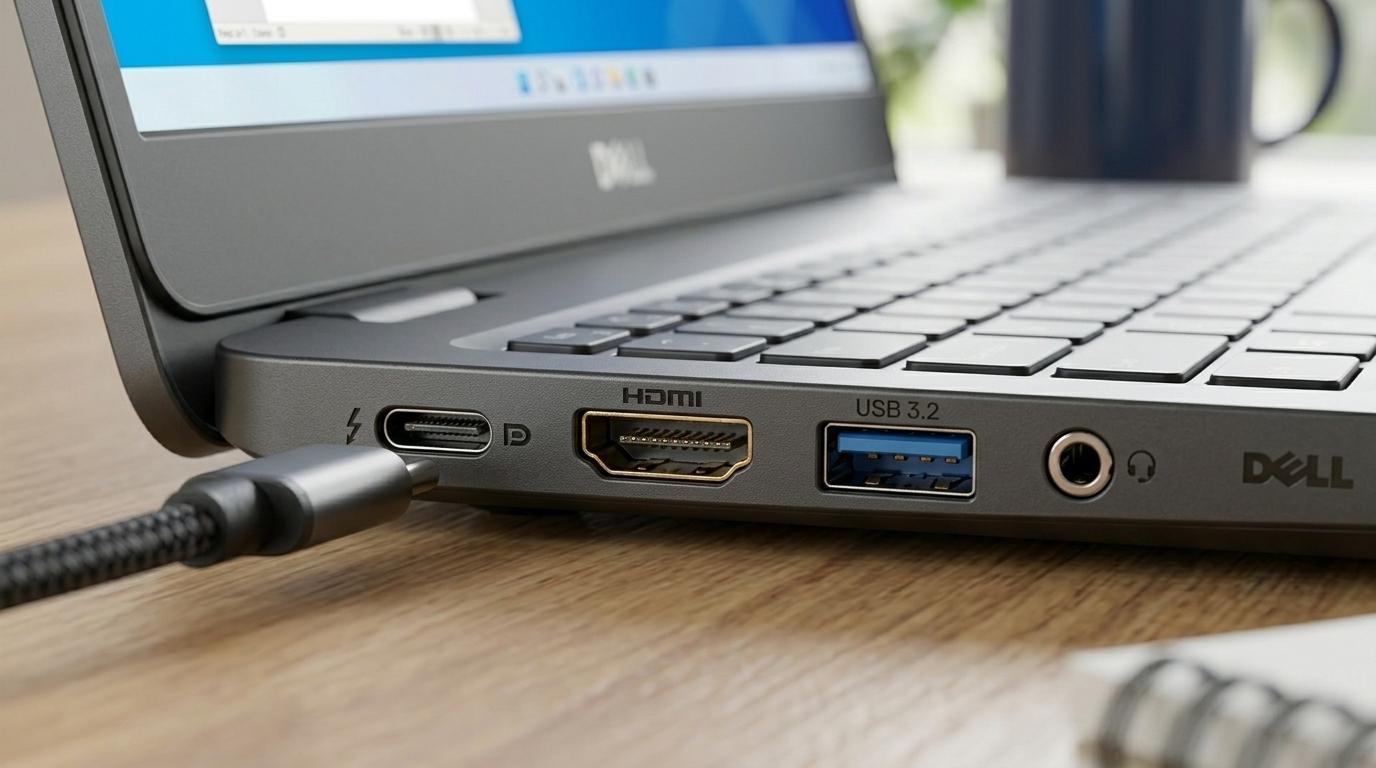
The Inspiron 15 3511 includes several connectivity options to support productivity and easy device integration:
USB Ports: Provides USB 3.2 Gen 1 and USB 2.0 Type-A connectors designed for mouse, supplement hard drives and additional devices.
HDMI 1.4: An HDMI interface for connection to an external monitor or projector, which is handy when presenting or when working with large project which require more space than the screen.
Wi-Fi 5 and Bluetooth 5.0: Helps maintain steady Wi-Fi internet connection for web searching and transfers as well as Bluetooth audio equipment or computer keyboard.
SD Card Reader: It is especially suitable for people who require moving the photo or files between cameras, smartphones or other devices.
Audio and Webcam
The communication solution of the laptop is a stereo speakers with MaxxAudio Pro technology from Waves allowing the user to enjoy clear sound for music, movies and games. It’s unfortunate that the lows may not be as powerful as in the really top-tier speakers, but for general media and meetings, they suffice.
The 720p HD webcam sufficient in making video call and having meetings or online classes in that it delivers clear images when there is adequate light. If not as good as other Webcams that are specifically designed it is good enough to be used in routine uses.
Operating System and Software
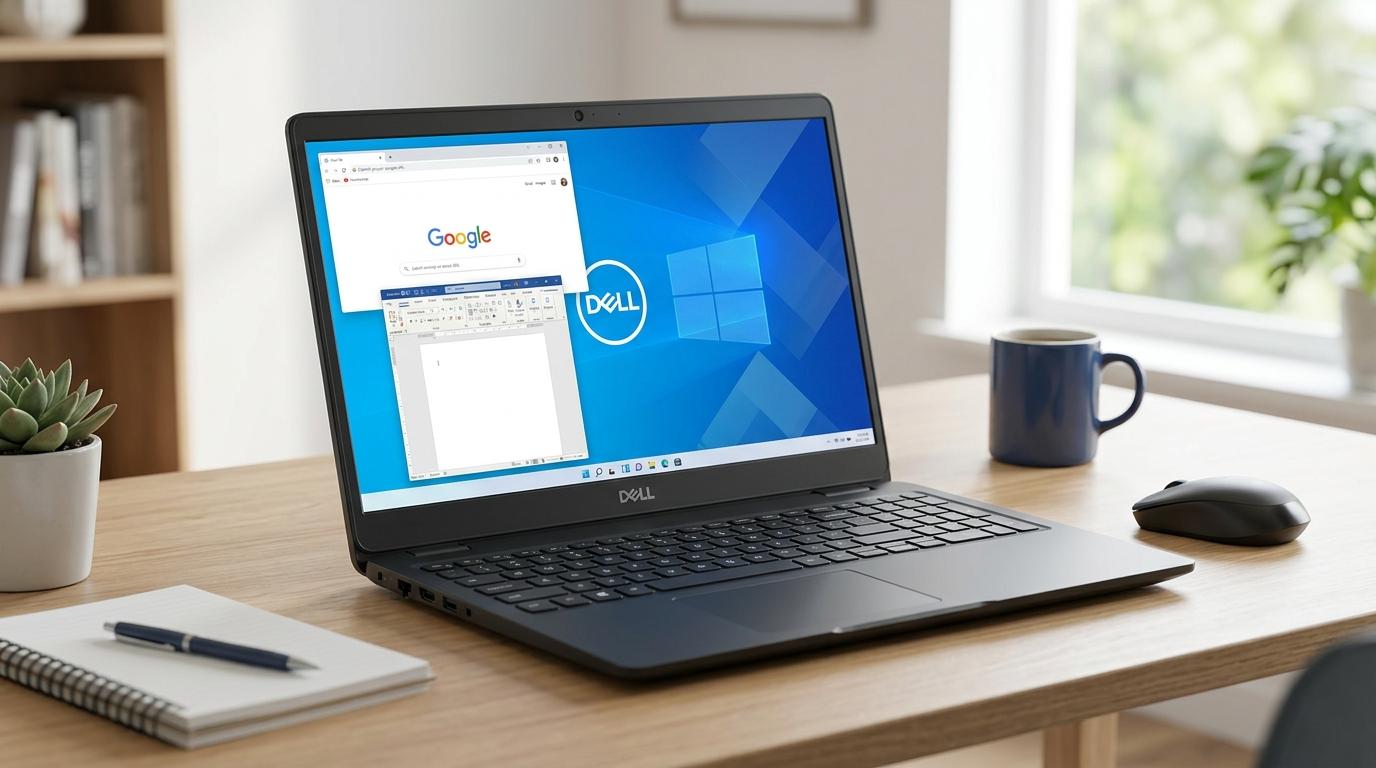
Most commonly, this model of laptops is shipped with Windows 10 Home or Windows 11 Home operating systems depending on the model and geographical location. Windows 11 Home with a new look, modernized task management features, and additional protection for users – it will suit students and most office workers. And Dell also provides several utility programs to update, protect, power and support the system and hardware devices.
Frequently Asking Questions
What generation is the Dell Inspiron 3511?
The Dell Inspiron 15 3511 is a model of the 11th generation of laptops from Dell incorporating the Intel 11th generation Core processors. This also includes an option for Intel Core i3, i5 and i7 depending on the specific model. These processors are built on Tiger Lake chip architecture which introduces higher performance, increased power optimization, and superior onboard graphics on the i5 and i7 line with Intel Iris Xe Graphics.
Is the Dell Inspiron 3511 upgradeable?
Yes, the Dell Inspiron 15 3511 is upgradeable for RAM (up to 16GB), storage (SSD and optional HDD), and possibly the Wi-Fi card. However, the CPU and GPU are not upgradeable.
Does the Dell Inspiron 15 3511 have a graphics card?
The Dell Inspiron 15 3511 does not have a dedicated graphics card. It comes with integrated graphics as part of the Intel processor:
- Intel UHD Graphics for models with an Intel Core i3 processor.
- Intel Iris Xe Graphics for models with Intel Core i5 or Core i7 processors.
What is the maximum RAM for a Dell Inspiron 3511
The maximum RAM for the Dell Inspiron 15 3511 is 16GB.