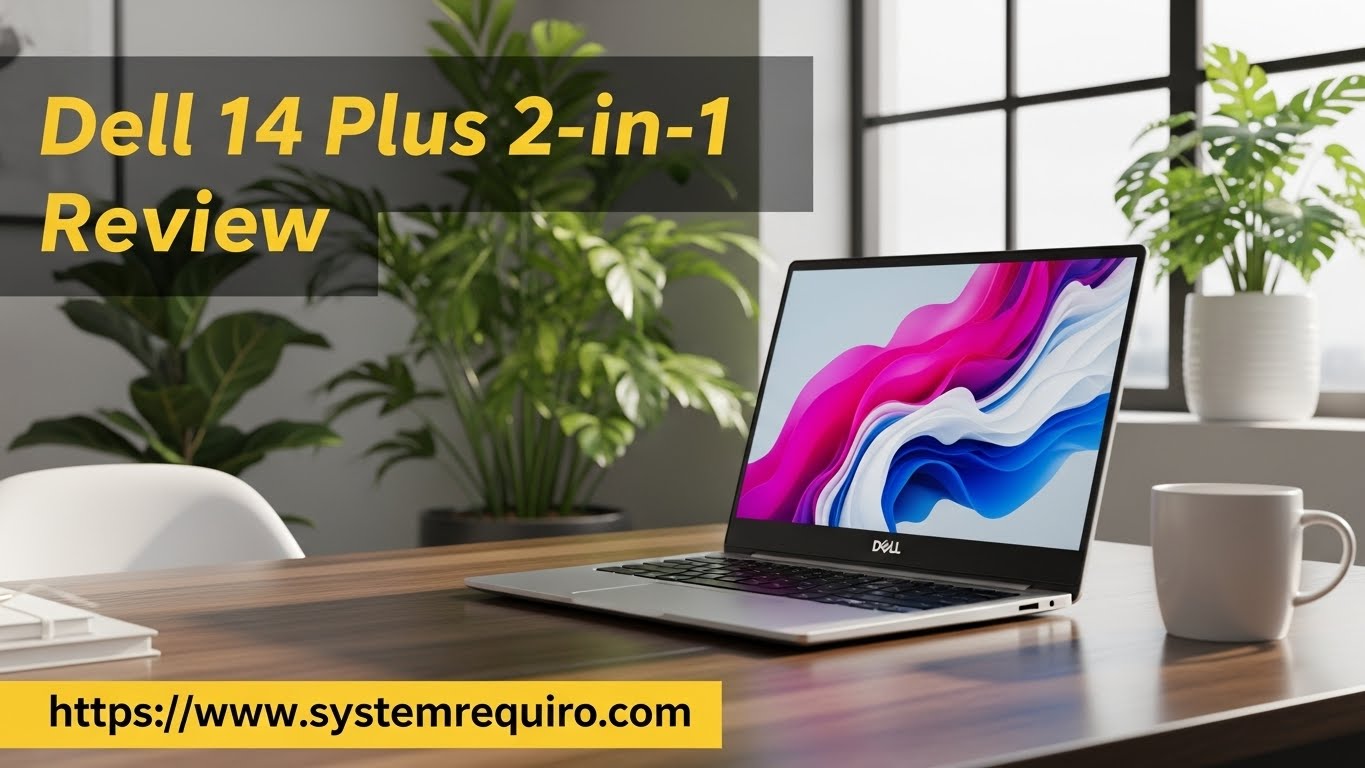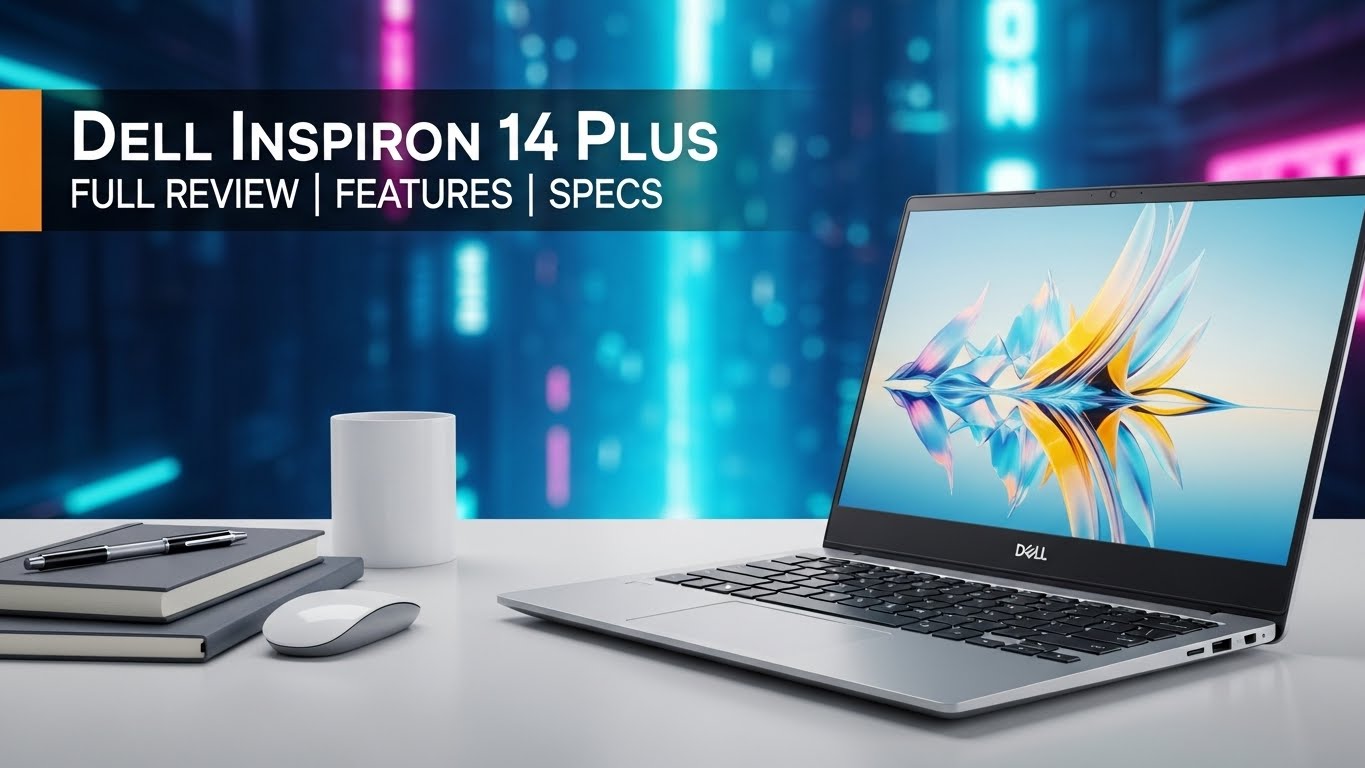
Full Review of the Dell XPS 13 2-in-1 (9315 2-in-1)
The Dell XPS 13 2-in-1 (9315) is designed as a portable form with both a detachable touch screen and a keyboard. It is intended for professional and students end users who require both flexibility and very fast performance. Here’s a breakdown of its key features and specifications:
Design and Build
The XPS 13 2-in-1 is slim laptop with magnetic folio keyboard, which works as a stand for the tablet. It has three adjustable positions, though not as versatile as several other solutions such as the Surface Pro have. Boasting a starting weight of 1.6 pounds for the tablet only, or 2.8 pounds when the folio is snapped on for travel purposes, it is lightweight yet durable for portable computer use.
Display
The 13-inch touchscreen boasts a 3:16:9 aspect ratio that is great for getting work done. With a resolution of 2880 x 1920 it allows for clear image definition and with a brightness of 500 nits for outdoor use. It also has Dolby Vision and DisplayHDR 400 for colour and contrast when streaming videos and creating digital content. It is further equipped with special Gorilla Glass for screen protection.
Performance
The latest configuration of XPS 13 2-in-1 comes with Intel’s 12th generation U-series chips up to Core i7-1250U with 8-16GB LPDDR4X RAM and up to 1 TB SSD for a smooth multitasking and productivity experience. It is not the best for gaming or video handling but adequate for handling office documents or using the internet for streaming.
Specifications Table
| Feature | Details |
|---|
| Processor | Intel Core i5-1230U / i7-1250U (12th Gen) |
| RAM | 8GB / 16GB LPDDR4X |
| Storage | 256GB – 1TB SSD |
| Display | 13-inch, 2880 x 1920, 500 nits, Dolby Vision |
| Graphics | Integrated Intel Iris Xe |
| Battery Life | 6-8 hours |
| Weight | 1.6 lbs (tablet), 2.8 lbs (with folio) |
| Ports | 2 x Thunderbolt 4, USB-C adapters included |
| Cameras | 5MP front, 11MP rear (4K) |
| Operating System | Windows 11 Home |
| Stylus | Dell XPS Stylus (sold separately) |
Keyboard and Touchpad
Typing on folio keyboard is quite satisfying, as the keys are shallow, but responsive, while prolonged typing can be uncomfortable. The wide touchpad is multi-touch and supports gestures but doesn’t sport the tilt that other models have.

Audio and Webcam
Packed inside the device, two 2W speakers present clinically clear but weak sound, especially in bass. This coupled with a 5MP front-facing camera for great 1080p video calls the 11MP rear-facing 4K camera is rather unusual for a device in this class.
Battery Life
Typically used, it would last for about 6-8 hours of operations before it has to be recharged, which may not be enough for a day’s work. This is slightly below average for its class, especially so in comparison to what is normally referred to as regular laptops.
Ports and Connectivity
In this device, there are two Thunderbolt 4 interfaces that are available but the headphone jack port is missing, which is disadvantageous among some users. USB-A port and 3.5mm audio jack are present while the necessary cables are adapter cables. Wi-Fi 6E guarantees high and stable wireless communication speed.
Stylus Support
The Dell XPS Stylus that comes as an accessory is an optional extra and comes with 4,096 pressure sensitivity levels that make note taking and drawing accurate. They can be recharged magnetically and come with a built-in Tile tracker that makes finding them if lost a snap.
Conclusion
The Dell XPS 13 2-in-1 is perfect for a person who has to travel a lot and for that person who likes a bit of detachable action. The only minor issues we found were the battery life, and the audio that this portable powerhouse can provide, still , the vibrant and responsive display, the raw performance and the build quality make this a serious player in the market for 2 in 1 laptops.
FAQ
What are the key features of the Dell XPS 13 2-in-1 (9315)?
The first model that has to be mentioned is the Dell XPS 13 2-in-1 which has features of both a laptop and a tablet. Key features include a 13-inch 3:An IGZO 2 aspect ratio display, Intel Evo verified 12th Generation Intel Core processors, and silent operation through the absence of a fan. You can find the ‘model’ option with up to 16 GB of RAM and 1 TB of SSD storage, which is perfect for professional use or when a user works in the field connected with art.
Does the XPS 13 2-in-1 support stylus input?
Yes, the Dell XPS 13 2-in-1 supports Dell’s Premium Active Pen which can be bought separately hence perfect for note taking or drawing and the like.
Is the Dell XPS 13 2-in-1 good for photo and video editing?
For photo and minor video editing, the laptop is great with a high definition screen and the integration of Iris Xe graphics from Intel. For 4K video editing, especially for heavy operations and for rendering we recommend a more powerful machine such as the Dell XPS 15 or a workstation class machine.
What is the battery life of the Dell XPS 13 2-in-1?
This battery will run for up to 10 hours on average usage but may reduce in the course of heavy operations or on bright display. This performance corresponds with its small and utterly passive construction.
What ports are available on the Dell XPS 13 2-in-1?
It will also sterilize any of the high demand devices using the lightning port, including two Thunderbolt 4 USB C ports, USB-C to USB A, and USB C to 3.5 mm headphone Jack. It does not have a regular headphone outlet.