Overview of the Dell Inspiron 15 3520
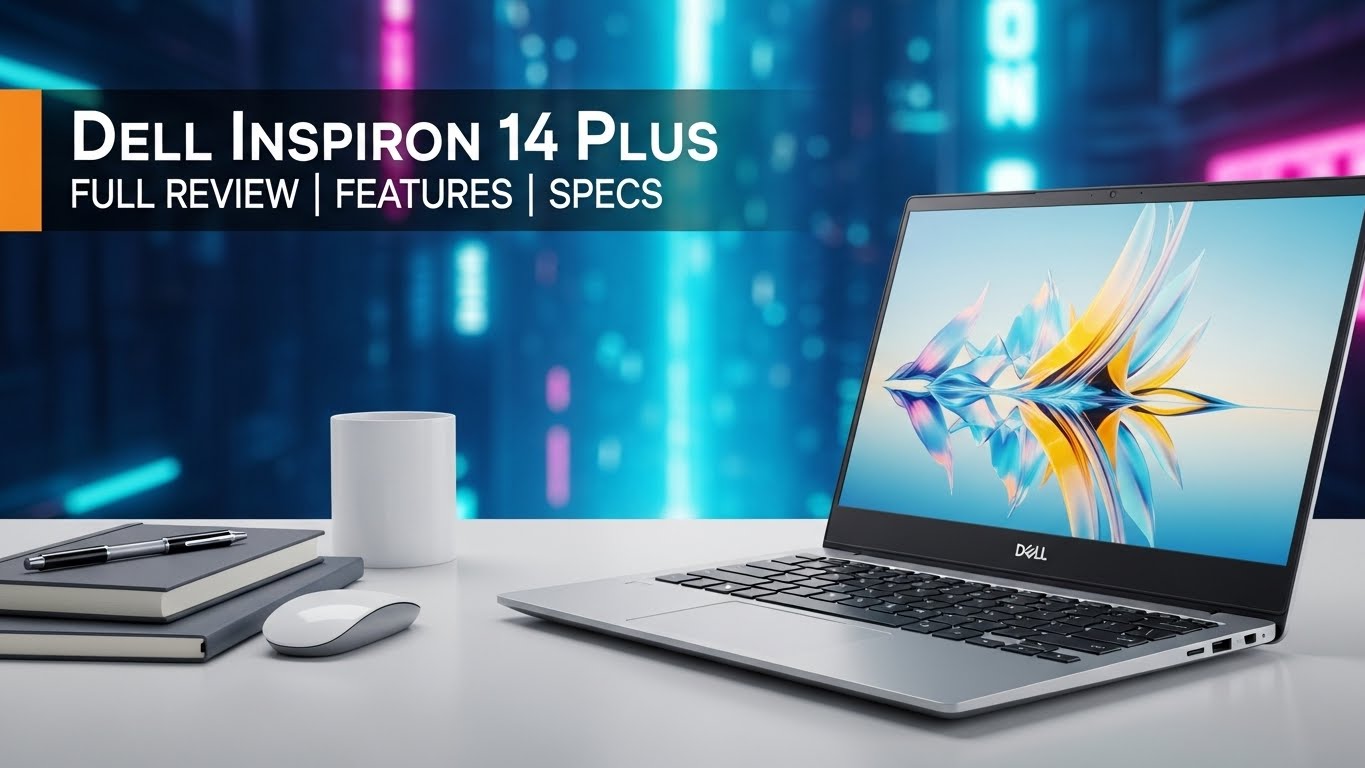
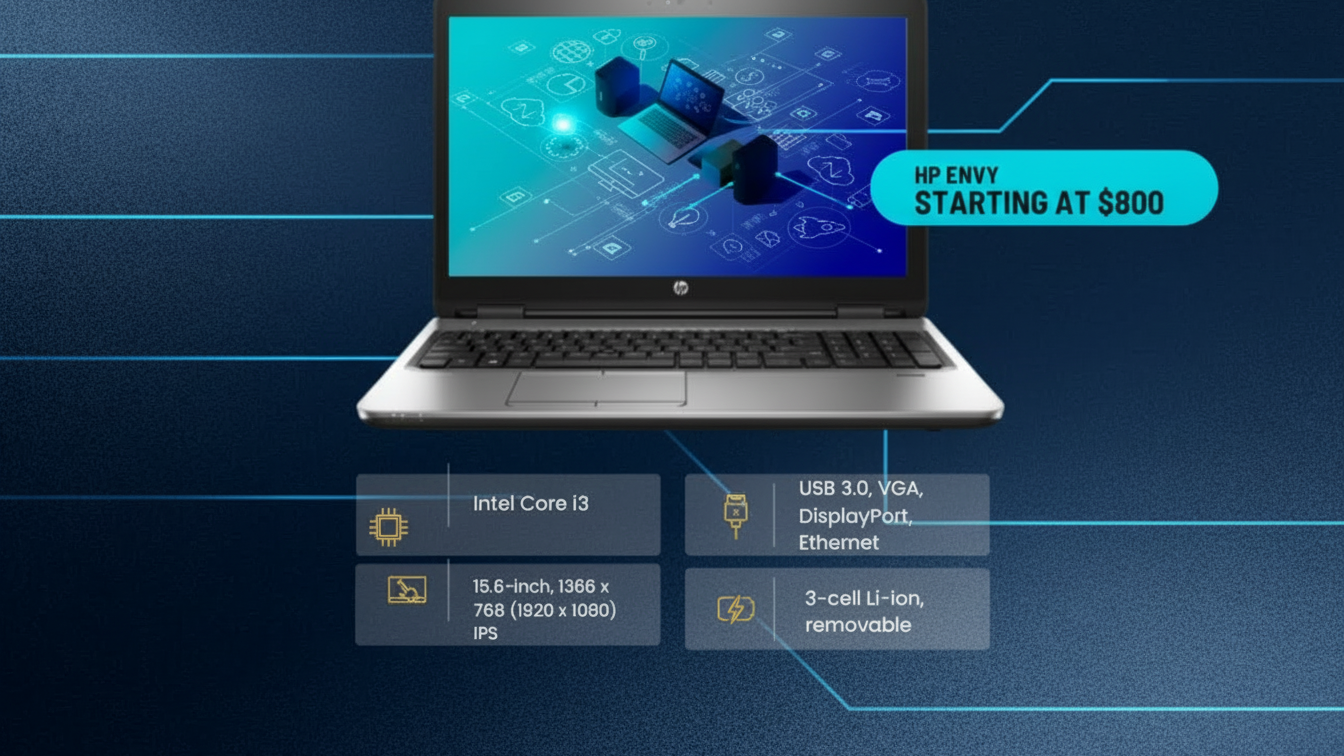
The Dell Inspiron 15 3520 has a 15.6 inch screen and I’d recommend this for users who are looking for a good performing, long lasting laptop with reasonable price. Until now, it offers Intel’s 12th generation Core processors and various memory and storage options, for general use, multimedia, and light usage.
Table of Contents
Key Specifications Table
| Component | Details |
|---|---|
| Display | 15.6-inch Full HD (1920 x 1080) Anti-Glare, LED-backlit Display |
| Processor Options | Intel Core i3-1215U, Core i5-1235U, or Core i7-1255U |
| Graphics | Intel UHD Graphics (i3) or Intel Iris Xe Graphics (i5/i7 models) |
| RAM | 4GB, 8GB, or up to 16GB DDR4, 3200 MHz |
| Storage | 256GB, 512GB SSD, with optional configurations up to 1TB |
| Operating System | Windows 11 Home or Windows 11 Pro |
| Battery | 3-cell, 41Whr battery |
| Weight | Approximately 3.68 pounds (1.67 kg) |
| Connectivity | Wi-Fi 6, Bluetooth 5.2, USB 3.2, USB 2.0, HDMI 1.4, SD Card Reader |
| Audio | Stereo speakers with Waves MaxxAudio Pro |
| Camera | 720p HD Webcam |
| Color Options | Carbon Black |
Display and Design
The Dell Inspiron 15 3520 possesses a display size of 15.6 inches Full High Definition display standard with a resolution of 1920*1080 pixels enabling crisp images on screen for; display of videos and movies, web browsing as well as general operations. It has an anti-glare glass coated screen together with LED backlighting making it easily usable in any lit environment.
Build and Aesthetics
Made of a plastic material and having the Carbon Black finish, the Inspiron 3520 looks fashionable and classy. Now, it weighs about 3.68 pounds or 1.67 kilograms, which is portable for daily carrying around. The thin borders that surround the screen gives a better experience plus less portability as compared to other models.
Performance
Powered by the latest Intel’s Tiger Lake processors the Inspiron 15 3520 should be up to the task of handling general use duties. The model offers three CPU options, allowing users to choose based on their performance needs and budget:
Intel Core i3-1215U: A basic setting to accomplish small daily activities such as browsing the internet, writing, and listening to or watching content.
Intel Core i5-1235U: Wide range of application, at multitasking, light creative work, moderate workloads though it may not be as powerful as Core i7.
Intel Core i7-1255U: It is a premium choice that covers all the necessary needs for work, including photo editing or the simplest video editing, as well as multitasking.
Graphics
Intel UHD Graphics (for Core i3 models): Enough for simple graphics and general usage activities.
Intel Iris Xe Graphics (for Core i5 and i7 models): Improved Integrated graphics for better multimedia usage and light graphics.
Memory and Storage
The Inspiron 15 3520 offers a variety of memory and storage configurations:
RAM: Comes in 4GB, 8GB or 16GB of DDR4 memory Operating at 3200 MHZ. Generally, 8 is recommended for most users, 16 is smoother in multitasking and is ideal for heavy programs.
Storage: Options are 256 GB or 512 GB SSD for efficient computing with an additional choice of 1 TB SSD for additional storing space. Combined, the SSD makes the laptop fast at booting up and also retrieval of data making it responsive to user interaction.

Battery Life and Charging
The Dell Inspiron 15 3520 has 3-cell, 41 Wh Li-ion battery that gives a usage of 6-8 hours based on usage of the system. This can certainly hold up for most usual day-to-day operations, including web surfing, movie watching, as well as performing all of the necessary work.
Charging
It has a standard 65W charger that is included with the laptop and gives a fast rate to boost the battery capacity enough for a short use within a short amount of time with ease.
Keyboard and Touchpad
The sized up keyboard on the Inspiron 15 3520 has a numeric keypad and is particularly advantageous to people in the finance or data entry industry. It has an ideal key progression, which makes it a good keyboard to use for quite some time when typing.
The touchpad is large, sensitive, and has multi-touch capability with pinch-in, swipe and tap motion.
Connectivity Options
The Inspiron 15 3520 is equipped with various connectivity options to support productivity and ease of use:
USB Ports: Comprises USB 3.2 and USB 2.0 Type- A / B ports designed to support Mouse, Keyboard, Pen drive, Hard disk and other peripherals.
HDMI 1.4: An HDMI port is provided for the connection to other displays, projector, or Television set.
Wi-Fi 6 and Bluetooth 5.2: These options give quick and secure wireless coverage and let you open websites, stream multimedia content or connect other devices without any interruptions.
SD Card Reader: Enables simple data transfer between cameras, smartphone, and other gadgets or devices.
Audio and Webcam
The laptop also comes equipped with stereo speakers that have Waves MaxxAudio Pro technology, which improves quality of playback of audio as well as video and improves the quality of the speakers used for conducting video calls as well.
The device consists of the 720p HD webcam that provides sharp images, good for video conferencing, online classes or any video call. Its imaging quality is sufficient for all purposes other than videoconferencing, and at night it performs poorly, like most default webcams embedded in laptops.
Operating System and Software
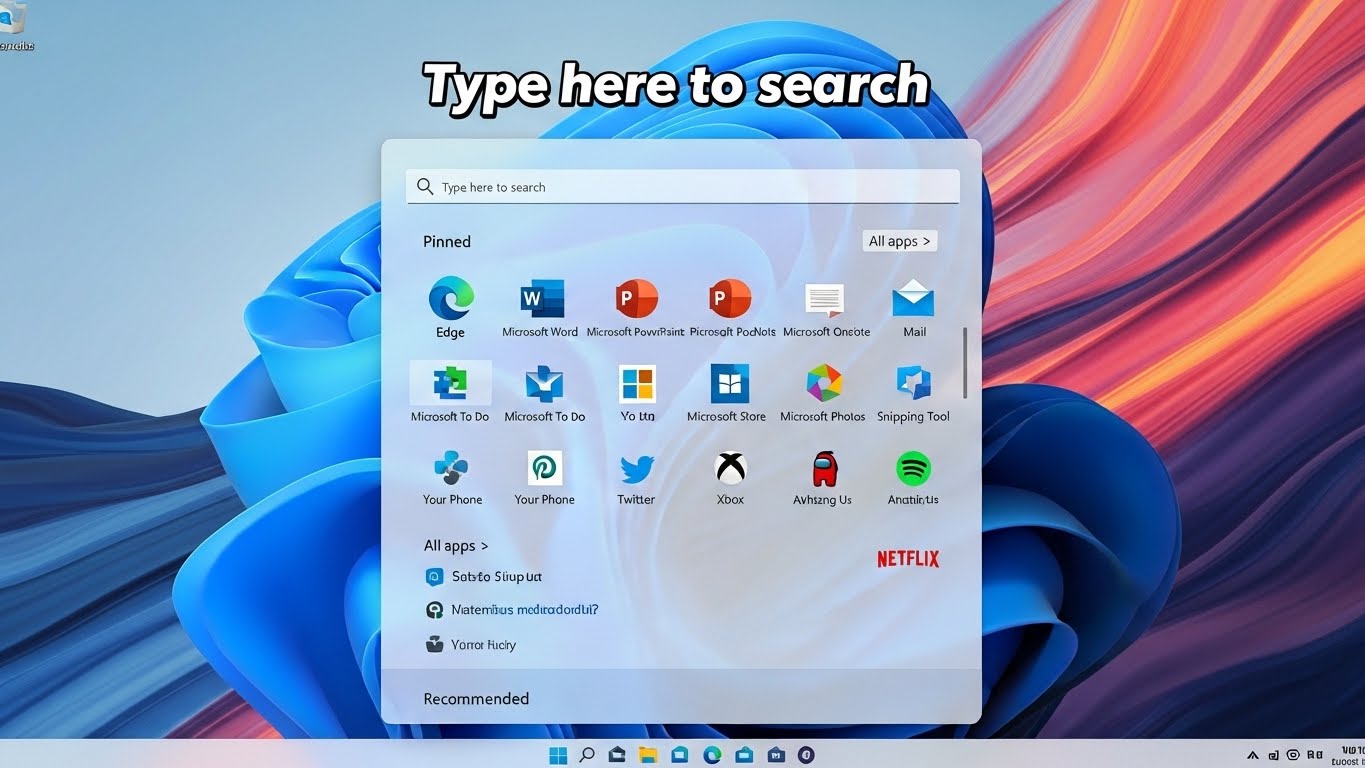
The Dell Inspiron 15 3520 offers different operating systems which include Windows 11 Home or Windows 11 Pro depending on its design. The new, clean design, extended and improved methods of screen splitting and integration in the operating system new safety solutions make Windows 11 well rounded. Dell also comes with other utilities that enable in handling of updates, diagnosis, and the performance of the computer which include Dell SupportAssist.
Pros and Cons
Pros
Price: A basic VTHighway account is free, but there are other options that come at a reasonable cost and depending on requirements can vary.
I tried with 12th Gen Intel processors which are quite performing for general usage.
High-Definition weighs display with thin side borders for seamless viewing.
Internet connection through Wi-Fi 6 for the faster and better connection.
External memory options and possibility to use up to 16GB of Ram.
Additional numeric keypad on the keyboard: addition to productivity of the keyboard, it may contain extra numeric pad.
Cons
Construction is fairly robust with a primary material of some form of plastic, though it doesn’t feel quite as fancy as one might hope for in this area of the market.
As is evident here it has integrated graphic that has limited graphic support it is not ideal for intensive gaming or graphic-intensive tasks.
It is surprisingly good but battery juice could be longer especially for power users.
Integrated webcam performance does not have good low light performance.
Final Verdict
The Dell Inspiron 15 3520 is the this kind of notebook, it is really helpful for users who are searching for affordable notebook for daily usage. To be specific, the 12th Gen Intel processors, Full HD display, foregoing memory and storage options altogether meet most of student, home and office use demands.
It is not meant for hardcore frugal gaming, nor creative work where every ounce of power and accuracy of shading is required, but for simple and moderate productivity works, media consumption, and multitasking, it can provide a good balance of all these aspects of performance, display, and connectivity at a good value for the price you pay. In sum, the Inspiron 15 3520 can be recommended to those users who expect to get a reliable workhorse for everyday computations at an affordable price.